
Learn how to use PC Startup Master and Windows built-in tools to manage and optimize startup apps for faster startup and improved security.
Continue readingOptimize Windows Startup to Boost Performance and Improve Security with PC Startup Master
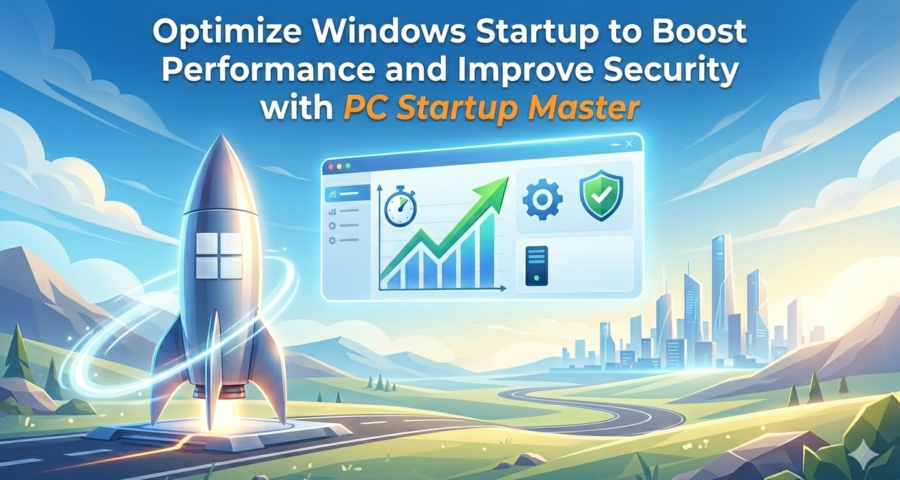
Learn how to use PC Startup Master and Windows built-in tools to manage and optimize startup apps for faster startup and improved security.
Continue reading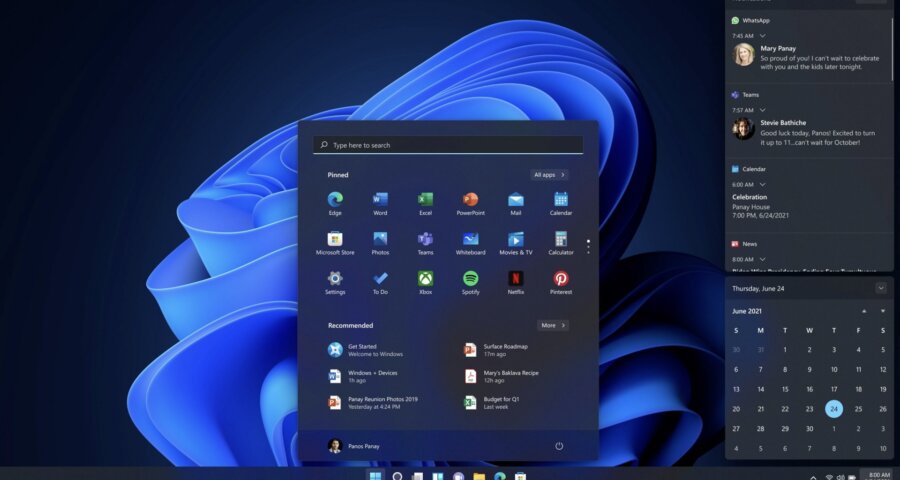
Have you ever wondered, why you can’t uninstall apps by right-clicking on their Desktop shortcuts and selecting Uninstall from the context menu the way can do with Microsoft Store apps that you can uninstall using the Uninstall command of the Start Menu or even the way you can uninstall apps
Continue reading
In Windows 10, Store apps (also called universal apps) are applications you install from the Windows Store or come pre-installed on the system, those apps can run automatically in the background to offer certain features. For instance, Store apps can download data from the Internet, show toast notifications, and fetch
Continue reading
Windows Defender is an anti-virus solution that comes integrated into Windows 10 to protect your device and data against viruses, ransomware, spyware, and other security and privacy threats. In this Optimize Windows 10 for Gaming guide, we’ll walk you through the steps to temporary or permanently disable Windows Defender. Despite
Continue reading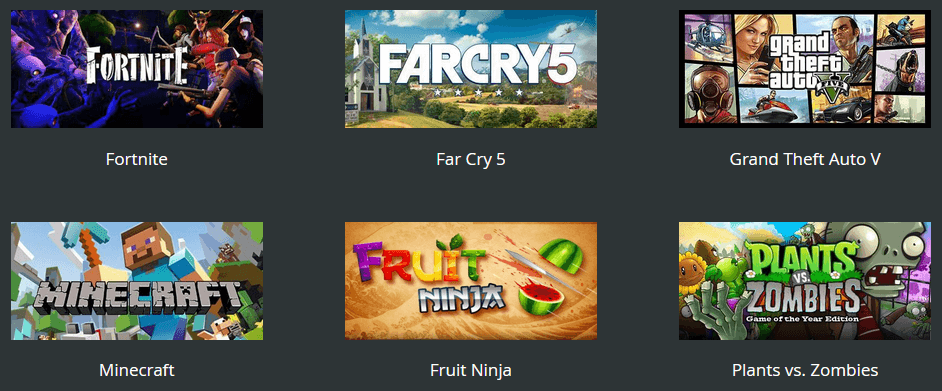
My Games is a feature of our game booster Game Fire that enables you to manage and access all of your favorite games from one place whether games installed on your PC, online games, or games from popular gaming platforms like Steam. Game Fire v6.3 brought many enhancements to My
Continue reading
Cortana is a digital assistant created by Microsoft for Windows 10 to help you interact with the operating system in a simple and intuitive way. Cortana can help you perform basic functions with just your voice. The more it learns about you, the more it understands you and be able
Continue reading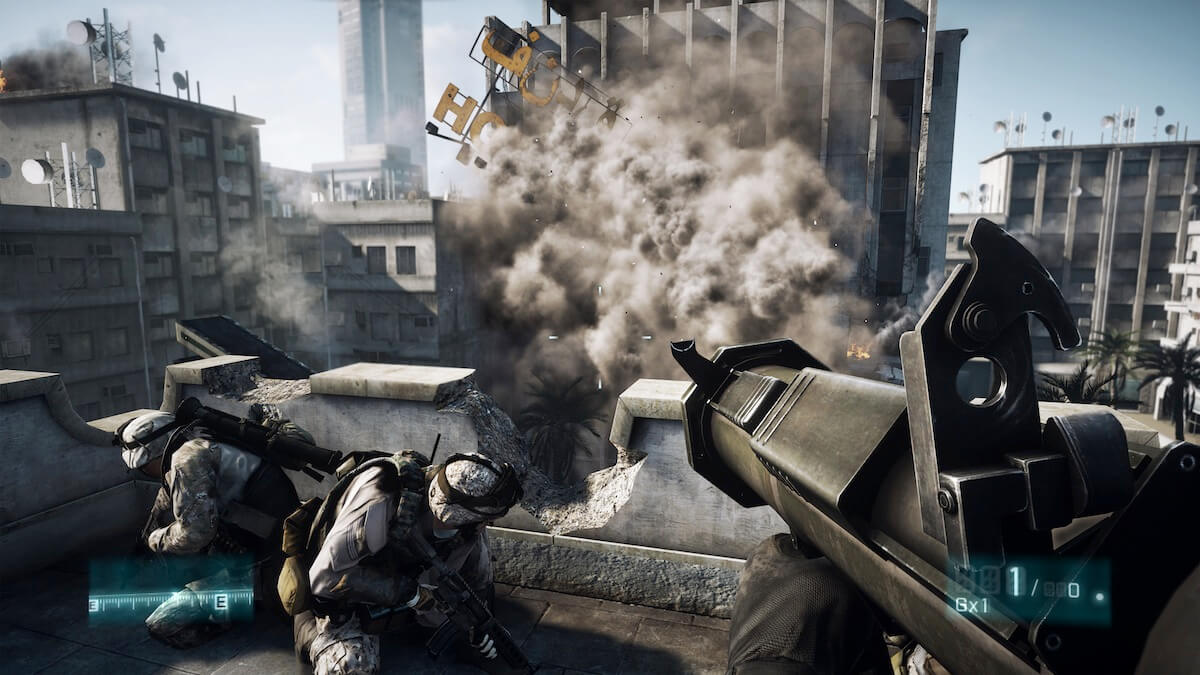
Nowadays PC games become more demanding of system resources so that you can enjoy playing them without any slowdown or lags, the good thing is that many of modern PCs and laptops are equipped with powerful hardware platforms that are capable of playing the most resources hungry games however the
Continue readingGame Fire is a great software solution that not only can optimize your computer performance for intensive PC games playing but also helps you improve your gaming experience by allowing faster access and better management of your favorite games. By using My Games feature in Game Fire, you can add
Continue readingWhen you switch to Gaming Mode, Game Fire temporary suspends unneeded Windows services, background applications, scheduled tasks and other useless system functions in order to make more resources available for running your games with best performance and reliability available. However, over time some of these unneeded functions are started automatically
Continue reading
In the following three easy steps, I will show you how to enhance Windows performance and how to take full advantage of your computer hardware in order to enjoy playing modern PC games with best speed and reliability. 1. Optimize Windows Services Disable unneeded Windows services to gain an immediate performance
Continue reading