
Updates
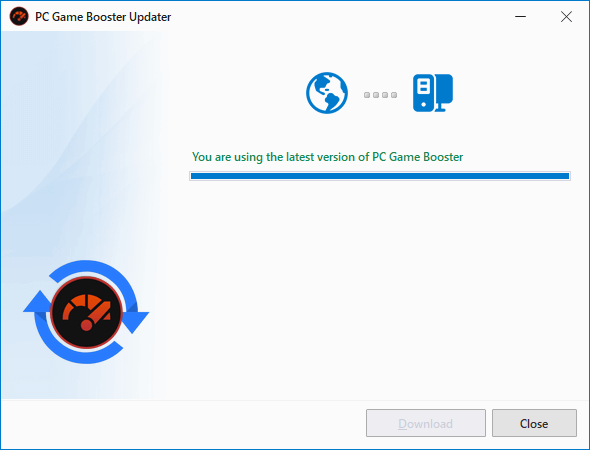
To ensure optimal performance, stability, and access to the latest features, we recommend always using the latest version of PC Game Booster. Updates routinely include bug fixes, enhancements, and new capabilities.
📥 How to Check for Updates
You can manually check for updates by:
-
Clicking the Check for Updates button at the bottom of the PC Game Booster interface.
-
Or selecting Check for Updates from the Menu in the upper-right corner.
🔔 Automatic Update Notifications
PC Game Booster will notify you when a new update is available. The Update Notification dialog provides the following options:
|
Ignore
|
Permanently dismisses the current update. You will not be notified about this version again.
|
|
Download Later
|
Postpones the update. You’ll be reminded again at the next startup.
|
|
Download
|
|
|
View release notes
|
Opens the PC Game Booster release notes page to review changes, fixes, and new features included in the update.
|