
About Dialog
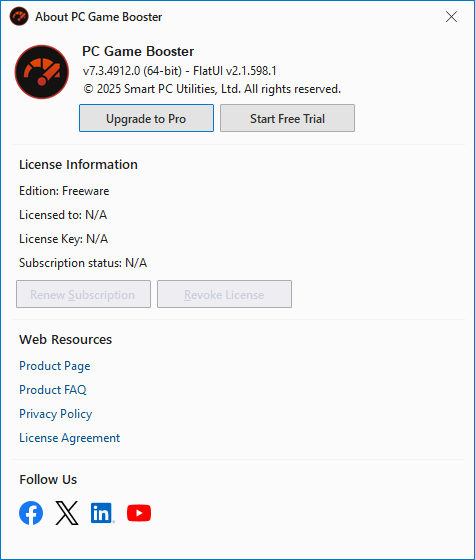
The About PC Game Booster dialog provides essential information about your installed version of PC Game Booster, including platform details, licensing status, and access to online resources. To open the About PC Game Booster dialog, click the Menu button located in the upper-right corner of the PC Game Booster interface, and select About.
In PC Game Booster Pro, the About PC Game Booster dialog will display the current license information, such as the license code and the license subscription date. It also offers options to manage your license; for example, you can use the Renew Subscription button to renew your license subscription and the Revoke License button to deactivate your license.