Common Error Messages
License revoked or not activated yet.
The license has been deactivated, either due to a refund or a user request. For trial licenses, this may indicate that you need to confirm your trial account.
Your computer is disconnected from the Internet.
Please ensure that your firewall is not blocking the connection between PC Startup Master and the licensing server, and that you have an active Internet connection.
Unable to connect to PC Startup Master licensing server.
Please make sure you have an active Internet connection, and that your firewall is not blocking connections between PC Startup Master and the licensing server.
Your PC Startup Master Pro updates subscription has expired.
Your updates subscription has ended, and you are not eligible to use this version of PC Startup Master; please renew your updates subscription to use this version of PC Startup Master.
Licensing server encountered an internal error.
The PC Startup Master activation server is currently unavailable. Please try again later or contact
Smart PC Utilities support if the issue persists.
License key does not match this computer.
You may encounter this error when you run PC Startup Master on a computer other than the one you originally used to register and activate the software. If you wish to use PC Startup Master on multiple devices, you can
purchase additional licenses at a discounted rate. If you want to transfer your license to a new computer, please use the
Transfer License form.
Unable to load the software license. The license file may be corrupted or locked.
This error could be due to one of the following reasons:
- Hardware changes such as upgrading the CPU, hard disk, or graphics card may have caused the error. You can reset the device ID associated with your license by using this form.
- Running PC Startup Master on a different computer than the one on which you first registered and activated the software can also cause this error.
- The software files might have become corrupted. In that case, reinstalling PC Startup Master may help you fix the issue.
Invalid email address.
You have entered an invalid email address; please enter a valid email address.
Invalid license key.
Please ensure that the PC Startup Master license code you enter is valid. Copy and paste your license key instead of typing it to avoid errors.
Invalid username.
Please ensure that you enter the username you used to register your PC Startup Master license for the first time. You can use this
form to retrieve your license username.
Invalid license signature.
This error may be caused by:
- The licensing server is experiencing issues.
- The license file cached on your computer is corrupted; please reactivate your PC Startup Master license.
Unauthorized changes in system date and time settings were detected.
Please make sure your system date and time settings are configured properly. We recommend enabling Windows to synchronize your system date and time settings with an Internet time server.
Unable to generate a unique ID for your computer.
PC Startup Master was unable to generate a unique computer ID to associate with your license. Please ensure that you are running PC Startup Master with administrative privileges and that no antivirus software is interfering with the program.
Invalid software signature.
This may be due to corrupted software files or anti-virus software interfering with PC Startup Master.
Unable to write license file to the local disk.
Please ensure that you are running PC Startup Master with administrative privileges and that no anti-virus software is interfering with it.
The entered email address does not match the email address associated with this license.
Please enter the email address you used to register and activate your PC Startup Master license for the first time.

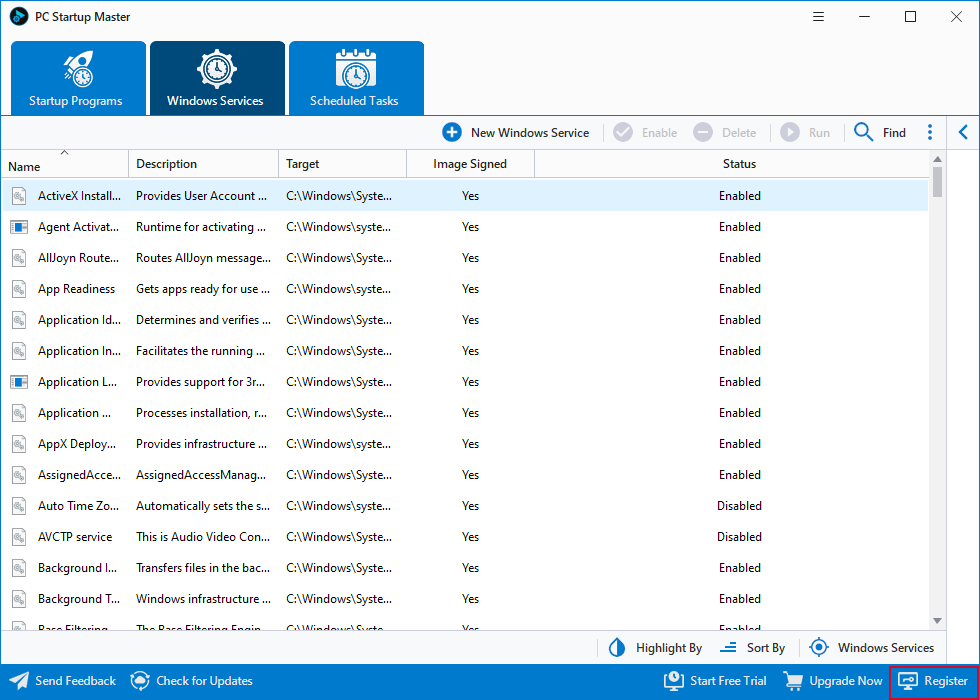
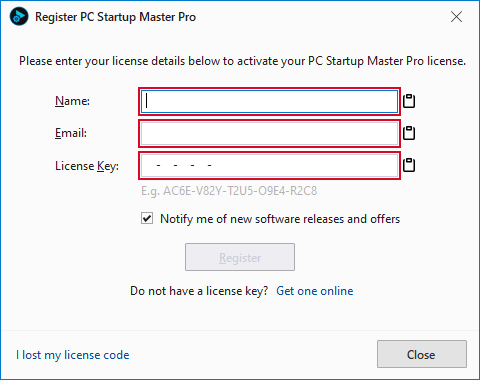 You can use the Paste from Clipboard buttons to get license information from the clipboard to avoid typos.
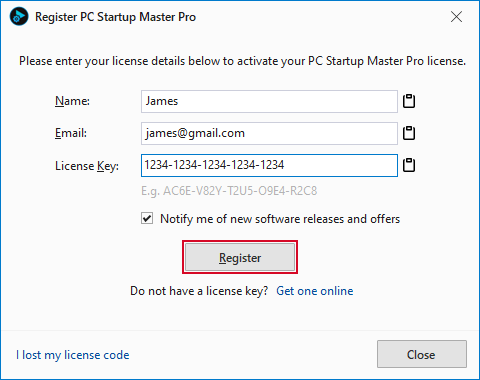 A working Internet connection is required to verify your license information and download the license information to your computer.