PC Startup Master 4
Microsoft Windows 11/10/8.1

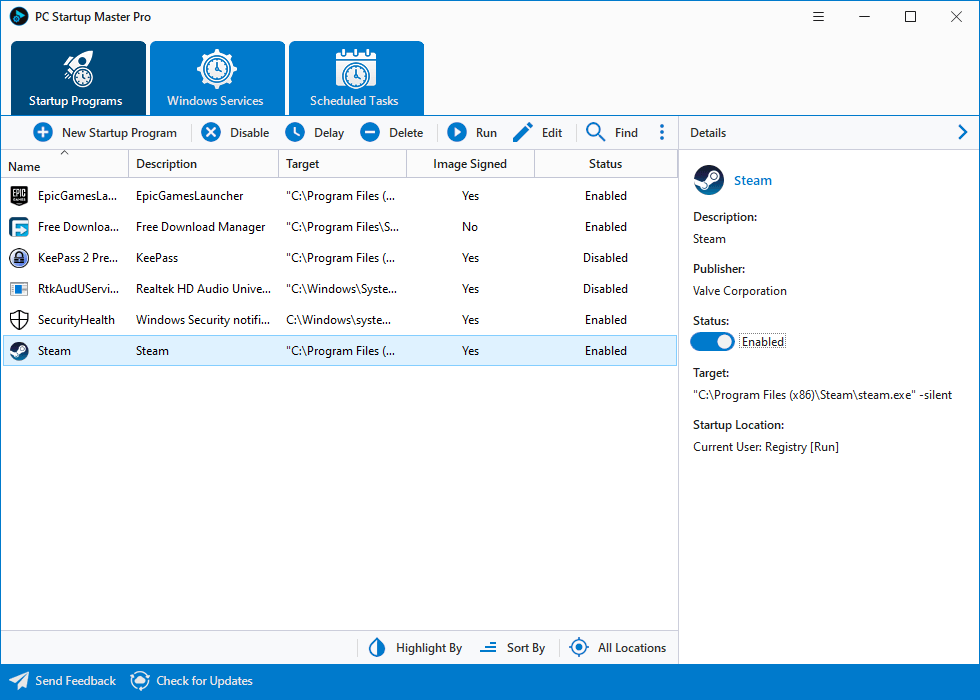
PC Startup Master can greatly improve your computer's startup speed by allowing you to optimize unnecessary components that run automatically during system startup, such as startup programs, Windows services, and scheduled tasks, which cause additional delays. It is suitable for both novices and experienced users due to its simple yet powerful user interface.
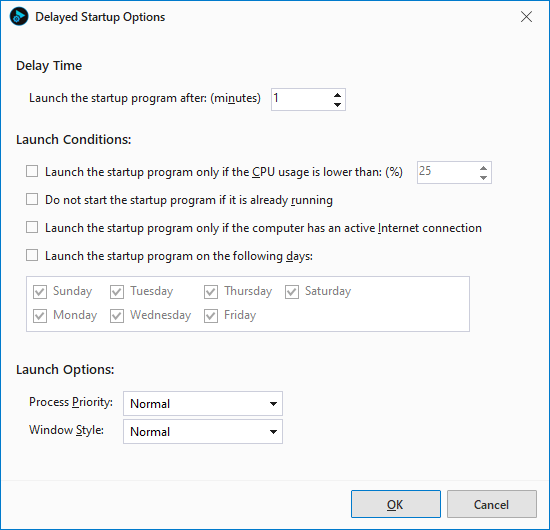
PC Startup Master's Delayed Startup feature enables you to delay or prevent startup apps from automatically starting unless certain conditions are met. This feature can help speed up the computer's startup by reducing performance overhead caused by multiple applications starting simultaneously.
Startup Guard is a security feature of PC Startup Master. It monitors the system startup configurations and notifies you when any changes are detected. Additionally, it can undo some of those changes. This feature enhances your computer's security by preventing unsafe programs and malware from achieving persistence on your system.
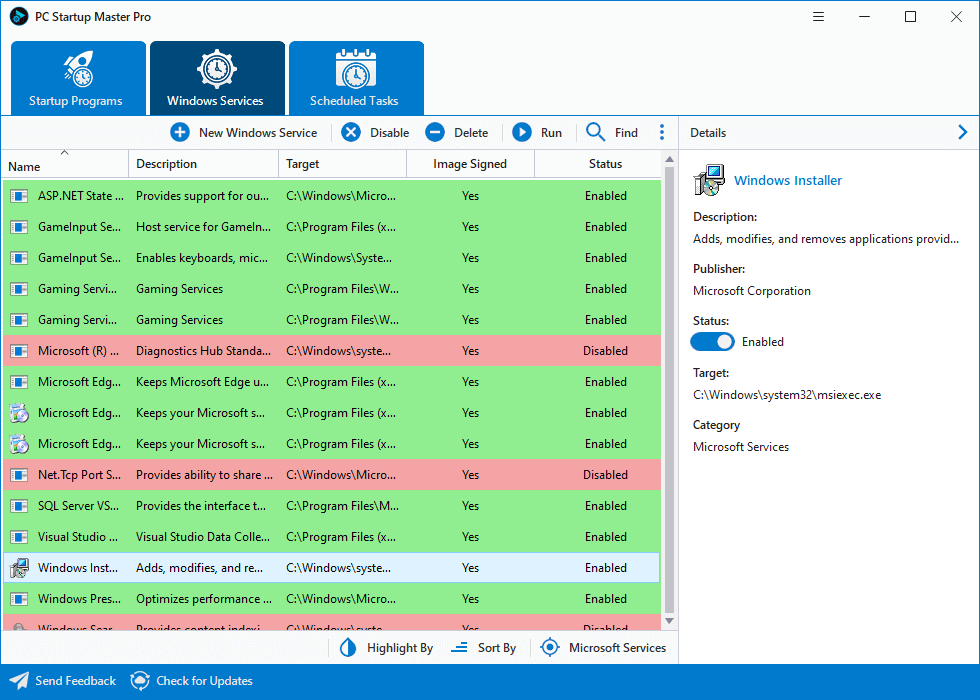
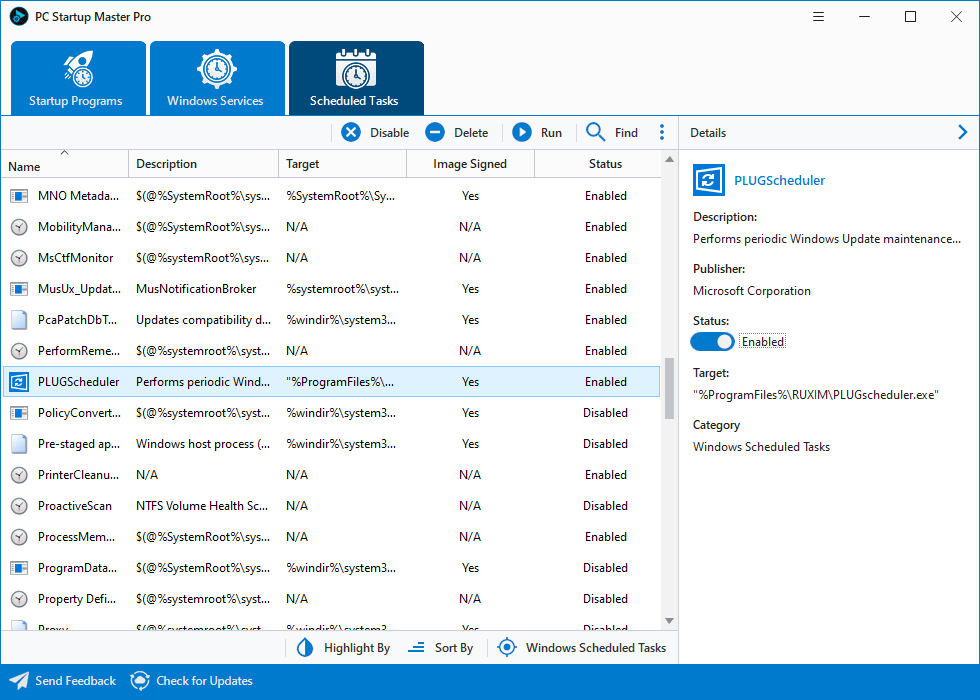
In addition to managing and optimizing startup apps in various system locations, such as the Windows Registry and system startup folders, PC Startup Master offers advanced features to manage other startup components like Windows services and scheduled tasks, all from a single user interface. This will give users maximum control over the system startup process.
PC Startup Master offers a complete set of tools that you can use to configure and optimize your system startup settings. You can use PC Startup Master to create, edit, disable, delete, and verify startup applications.
PC Startup Master
FREE
PC Startup Master
PROFESSIONAL
Delayed Startup
Advanced Delayed Startup options that give you more control and help boost the computer's startup speed.
Startup Guard
Improve security with Startup Guard that prevents unsafe apps and malware from achieving persistence.
Automatic Updates
Automatically receive new updates that bring additional optimizations, improvements, and bug fixes.
7x24 Premium Support
A knowledgeable team is available to assist you through email response within 24 hours.

|
PC Startup Master is a great utility for users wanting to better protect their computers by guarding the overall startup performance every time the PC is turned on. |

|
This interesting and well designed tool is an excellent choice when in need of a comprehensive and fully customizable startup manager that needs to go beyond what Windows can offer. |
Products
Support
Company
Email Newsletter
Follow Us